I recently was watching this RevenueCat YouTube video about adding in-app subscriptions with RevenueCat + Expo on iOS and Android.
And I commented:
Is it not possible to test the Android payments with a development build, without going through all the hoops of setting up an internal test program?
At first I thought it was not possible because I kept getting the same error when trying to test the payments in development mode:
Android says This version of the application is not configured for billing through Google Play
But I eventually found a way to make it work:
I built a development build and opened it on my device:
npx expo prebuild --clean
npx expo run:android --device
But to make it work I had to enable license testing in the Google Play console.
You can do that here: https://support.google.com/googleplay/android-developer/answer/6062777?hl=en
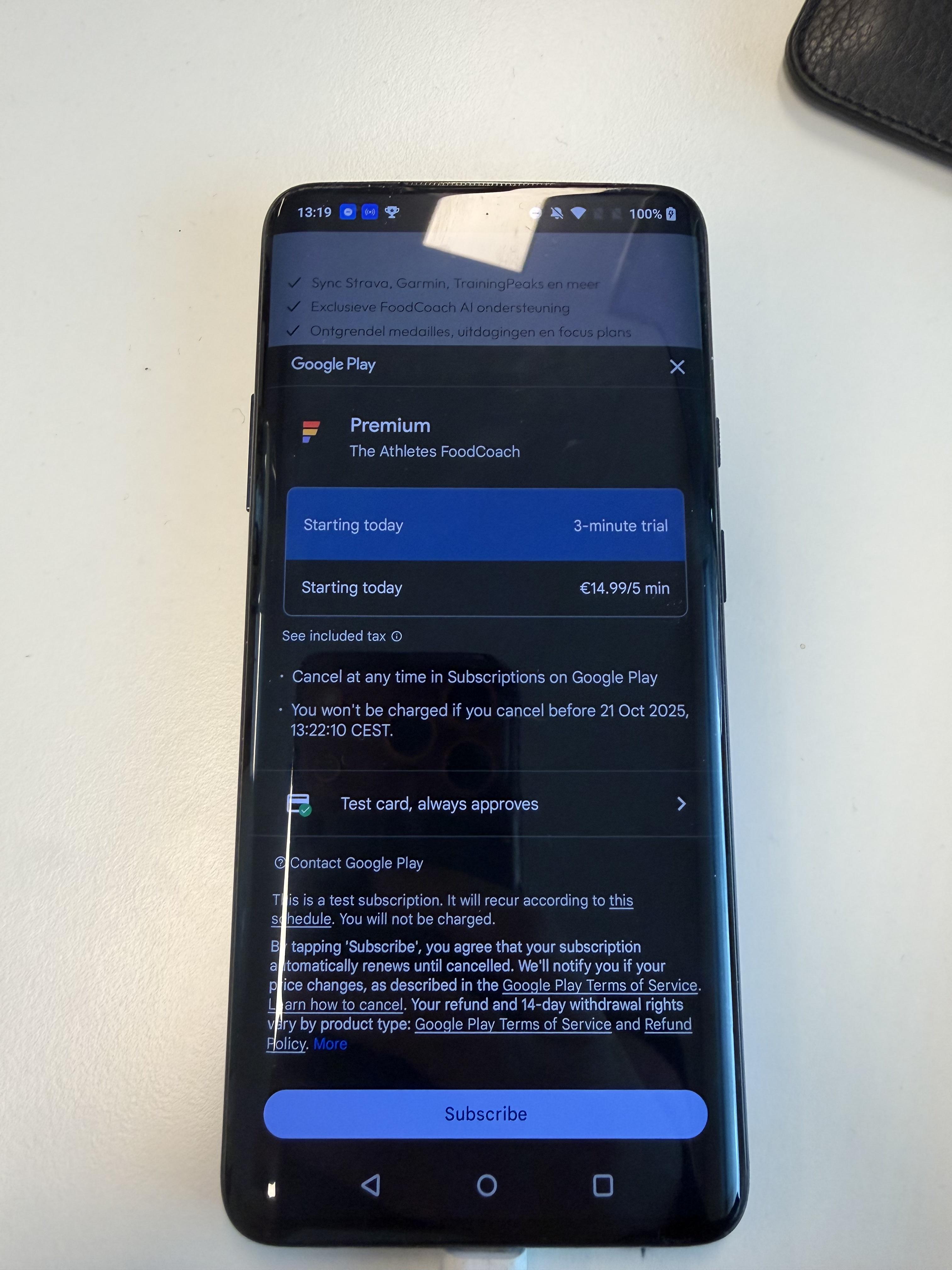
Once I had turned on this setting, I finally saw the payment popup with the test card on my Android device:
Hope that helps!